Use the barcode scanner
The barcode scanner is a handy tool for logging items in a package, making tracking your food intake more manageable and accurate.
- Choose the meal to which you want to add food (e.g., breakfast) on the 'Diary' tab.
- Tap the barcode icon on the top right-hand side of the screen.
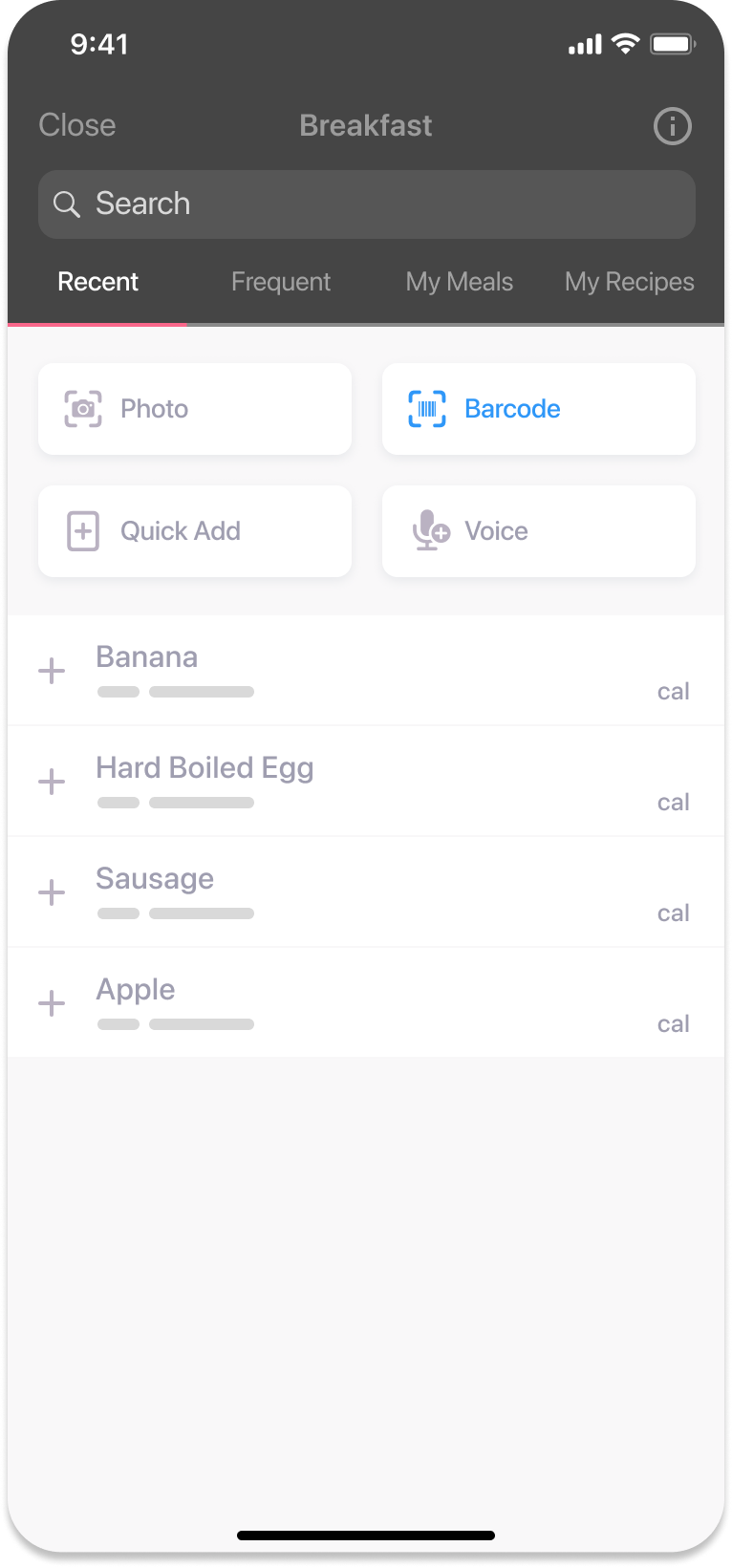
- Use the camera to scan the barcode of the packaged food item you consumed (e.g., All-Bran flakes).
- After scanning, you can modify the serving size to match what you consumed (e.g., 1.5 cups of cereal).
- Once the serving size is set, log the item into your diary.
Was this information helpful?