Food tracking basics
The diary offers multiple ways to log your intake.
Navigation
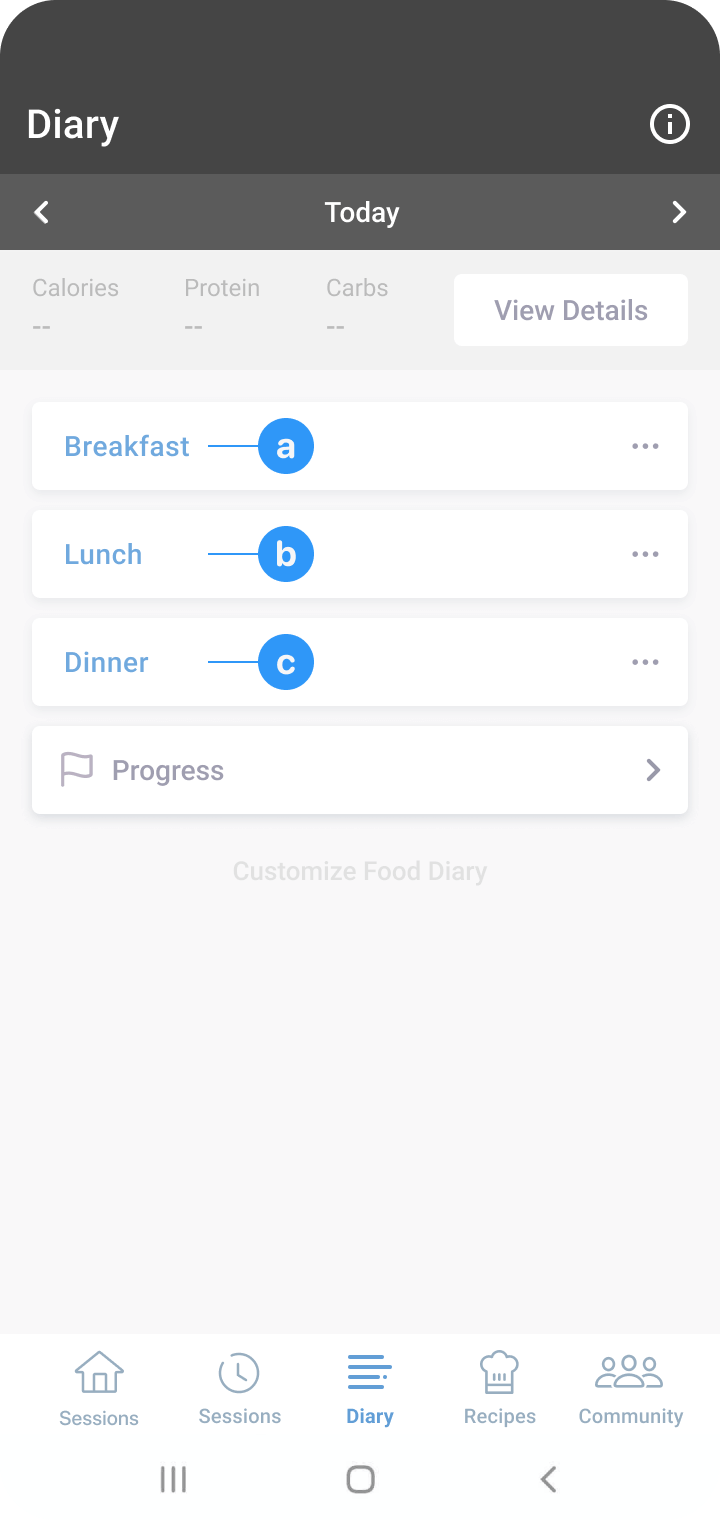
To track food, navigate to the ‘Diary’ tab.
- At the top of the screen, you can see the date for which you’re tracking food.
- Use the arrows to navigate to different dates, such as yesterday or tomorrow.
- Tap the written date to navigate to dates far into the past or future.
- You can see the nutrition composition (calories, protein, carbs) of what you’ve consumed for each meal.
Tracking food
- Tap the blue text that indicates the meal (e.g. morning snack).
- Use the search bar to find the food item you consumed (e.g. cottage cheese).
- Select the closest match from the list of options that appear.
- Tap on the serving size text to adjust it (e.g. change from 4 ounces to 1/2 cup).
- Tap ‘Log Item’ to track the food.
Additional features
- Use the ‘Recent’ tab on the navigation ribbon to add recently consumed foods quickly.
- You can track food using voice recording and barcode scanning, which other tutorials cover.
Was this information helpful?