Customize the food diary
Customizing your food diary allows you to tailor the app to fit your eating habits better. There are two ways to customize your food diary. The first is through the Home tab, and the second is through the Diary tab.
Customize through the diary tab
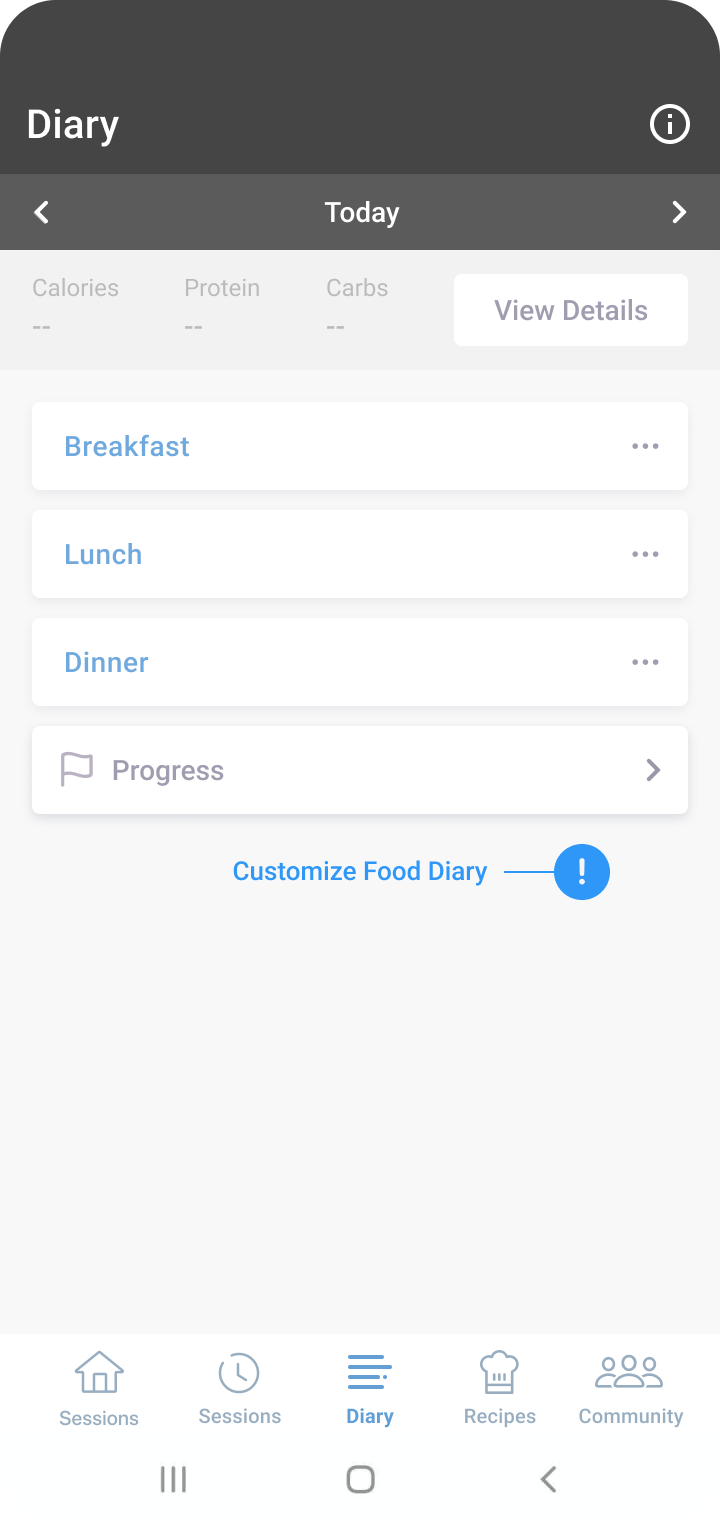
While on the diary tab, scroll to the bottom of the page and select ‘Customize Meals and Snacks.’
- Tap the pink plus sign to add a new snack type (e.g. evening snack).
- To delete additional snack types place your finger on the snack and drag it to the left.
- When you’ve finished adding snacks press the back button. You’re updates will auto-save and will be reflected in your food diary.
Note
For non-optional meal types like Breakfast, Lunch, and Dinner, tap the purple eye emoji to remove the meal. The eye icon will close, indicating it’s no longer part of your diary.
Customize through settings
- While on the Home tab, select the cogwheel at the top right-hand side of the screen.
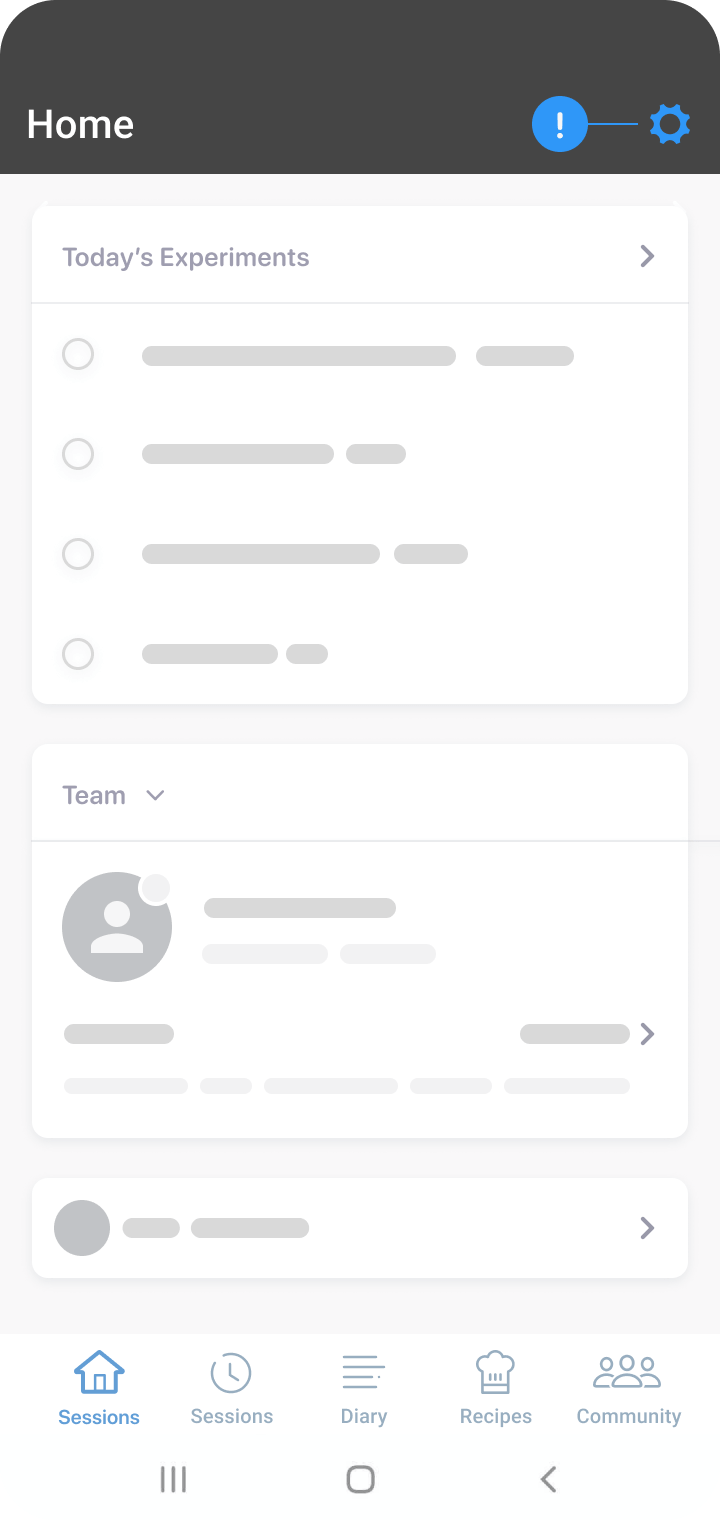
- Select ‘Customize Diary’ under the preferences heading of settings.
Was this information helpful?