Customize the food diary
Customizing your food diary allows you to tailor the app to fit your eating habits better. There are two ways to customize your food diary. The first is through 'Home' tab, and the second is through the 'Diary' tab.
Customize through the 'Diary' tab
While on the 'Diary' tab, scroll to the bottom of the page and select ‘Customize Meals & Snacks.’
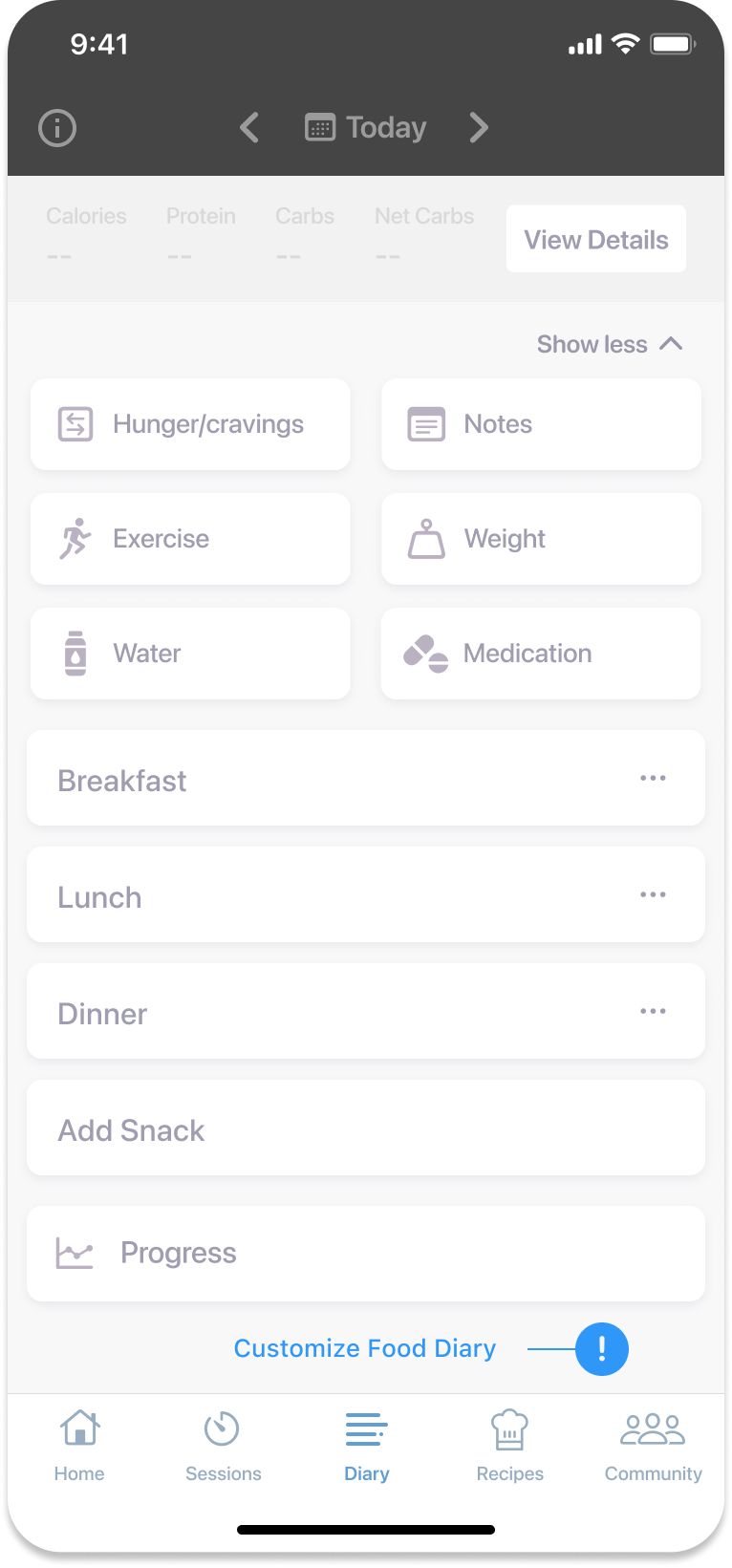
- Tap ‘Add Snack’ to add a new snack time (e.g. evening snack).
- Rearrange the snack to where you want it by placing your finger on the three lines (on the right-hand side of the snack title) to drag it to its new position.
- Tap ‘Save’ to update your diary.
Note
Tap the blue eye emoji to remove a meal or snack. The eye will close, indicating it’s no longer part of your diary.
Customize through settings
- While on the 'Home' tab, select the cogwheel at the top right-hand side of the screen.
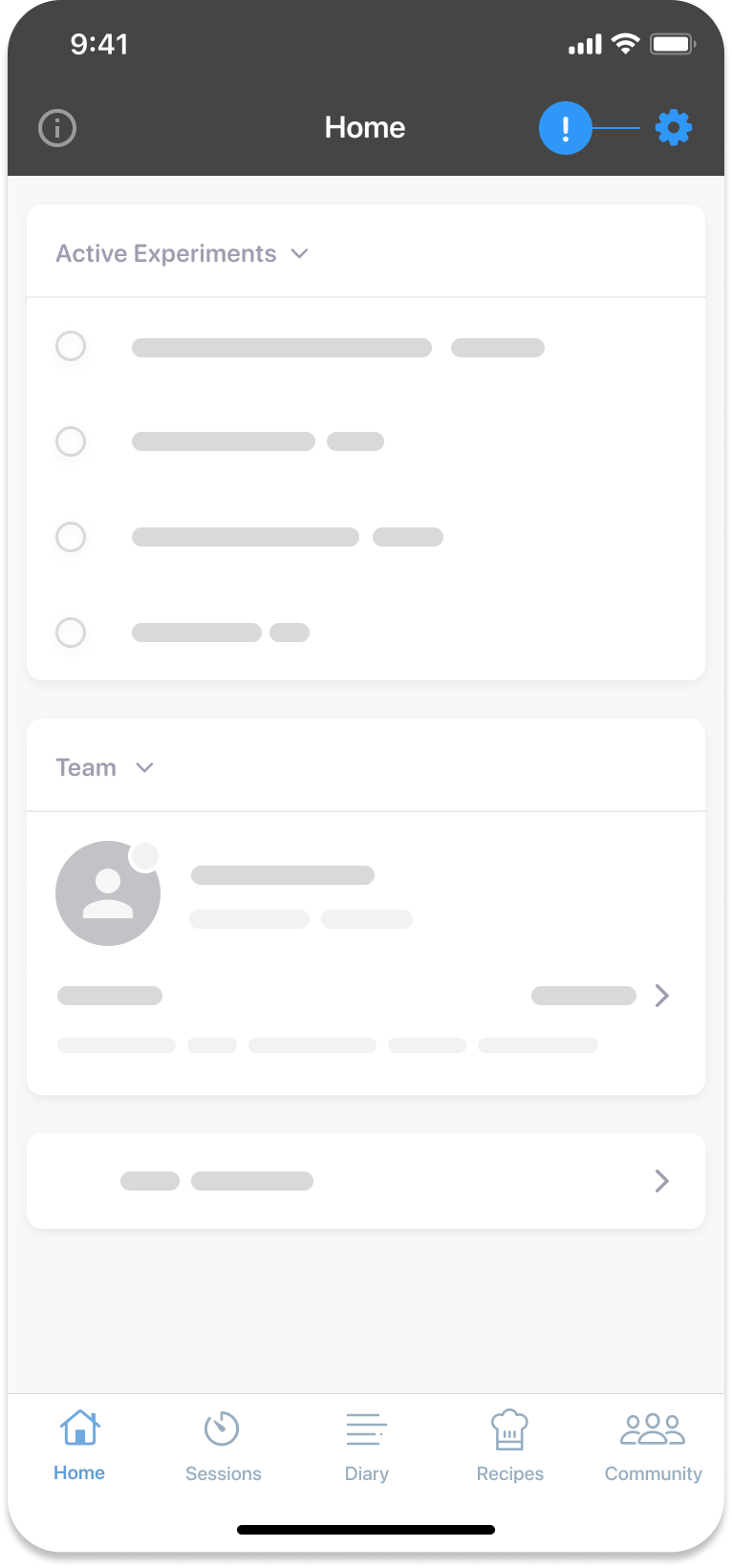
- Select ‘Customize Diary’ under the preferences heading of settings.
Was this information helpful?