Log with a photo
The 'Photo' feature allows you to log meals quickly by taking a picture of your food. The app will estimate nutrition content based on the photo, making it easy to track meals without manually entering details.
- Navigate to the 'Diary' tab.
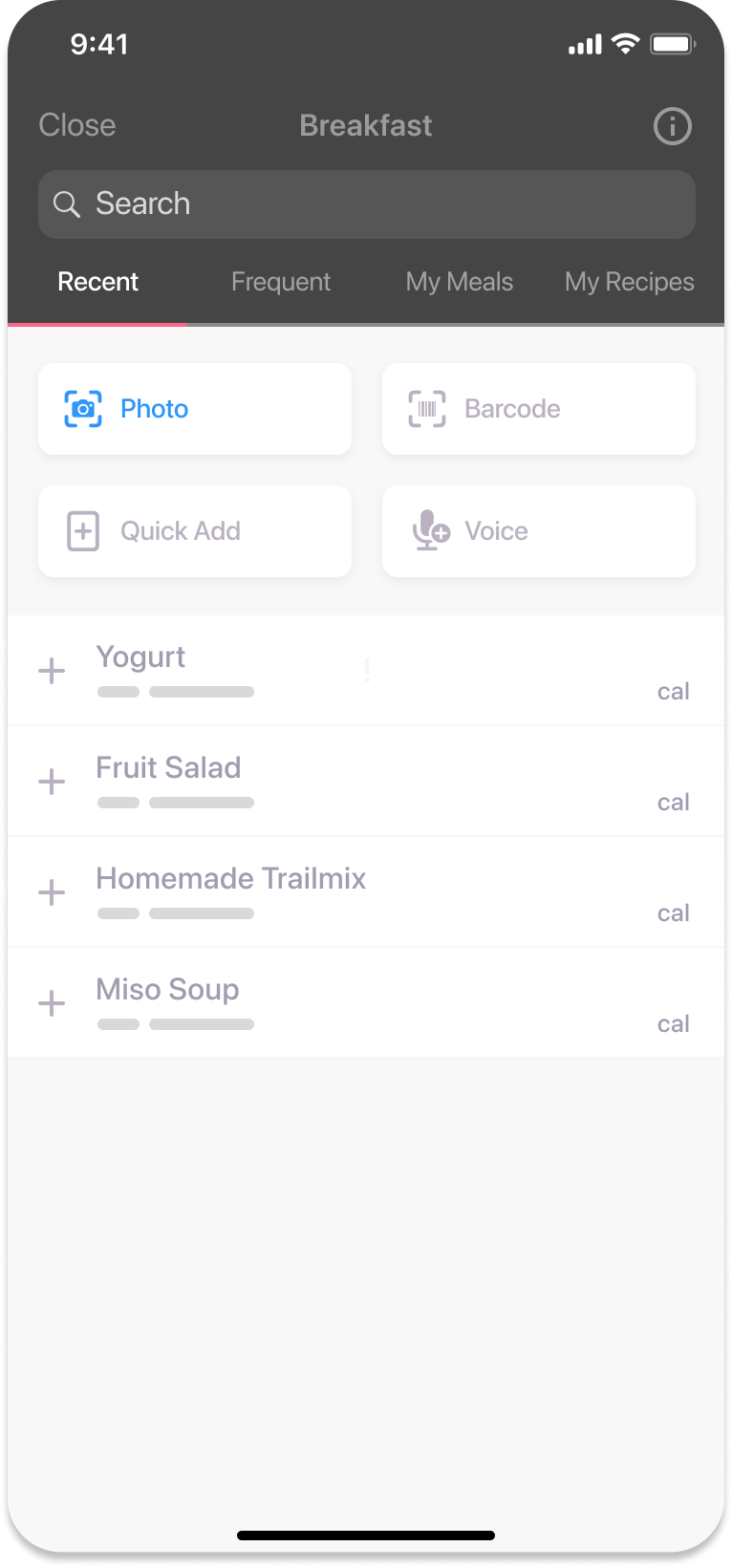
- Select the meal you want to log (e.g., breakfast).
- Ensure the 'Recent' tab is selected on the selection ribbon.
- Tap the pink ‘Photo’ button to open your camera.
- Position your food within the frame, then tap the pink button at the bottom of the screen to take a photo.
- If satisfied, tap ‘Submit’ to proceed. To retake the photo, tap ‘Retake’.
- After submitting, the app will estimate the nutrition content.
- Tap ‘Add Item’ at the bottom of the page. Then tap ‘Log Item’ to save it to your diary.
Viewing and reusing photo log entries
Once you’ve logged a meal using the 'Photo' feature, it is saved in your diary. To log the same meal again, tap the blue plus button and select the saved entry without retaking a photo.
Was this information helpful?