Quick add feature
The Quick Add feature is a convenient way to log items unavailable in the app or when estimating a meal, such as meals eaten at restaurants or friend’s houses. To use quick add:
- Navigate to the Meal: Navigate to the meal or food item you want to log (e.g., morning snack).
- Find Quick Add: Ensure the “Recent” tab is selected on the selection ribbon.
- Select Quick Add: Tap the ‘Quick Add’ option and input the name of the item you’d like to add.
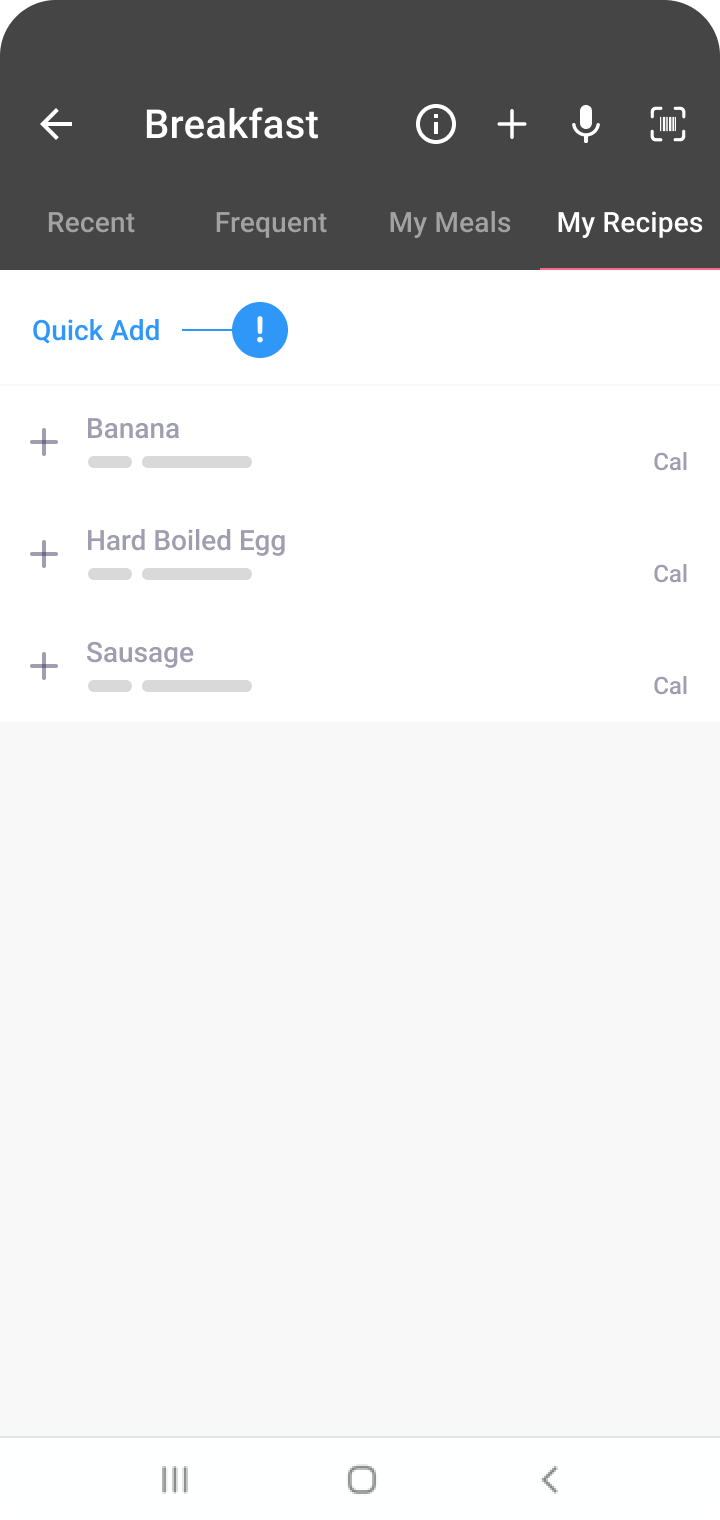
- Nutrition Information: Input the nutritional details like calories, protein, carbs, fat, and fibre. You can find this information on the product’s nutrition label.
- Log: Click ‘Log’. The item will be logged in your food diary.
Saving and reusing Quick Add entries
Once you’ve added an item using Quick Add, it gets saved in your diary. The next time you want to log the same food, you can click on the blue plus button to add it again without re-entering the information.
Was this information helpful?