Log with voice
The voice recorder feature is a convenient and fast way to track food, making the process more efficient.
- Navigate to the meal where you want to add the food item (e.g. evening snack) on the 'Diary' tab.
- Tap on the microphone symbol on the top right-hand side of the screen to activate the voice recorder.
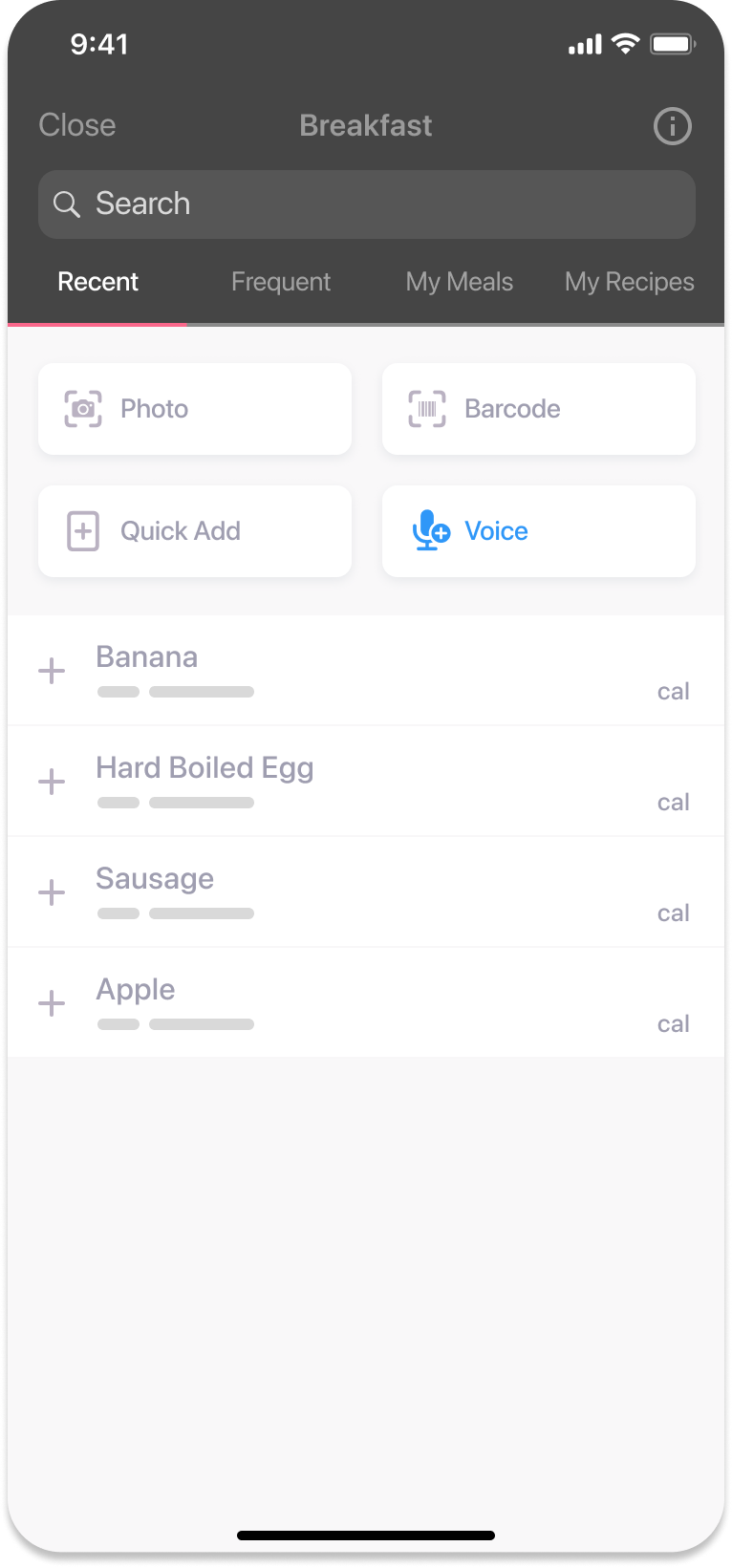
- Start dictating the ingredients and their measurements for the food item you consumed (e.g. one medium banana, one tablespoon of peanut butter). Click 'Finish'.
- After dictating, the app will display the foods you mentioned. Confirm that the food item and portion size are accurate.
- If the voice recorder misinterprets something, you can delete that item by clicking on it and clicking 'Remove Item' at the bottom of the screen or swiping the food item to the left and clicking 'Delete'.
- Once confirmed, click 'Log 2 Items' (or however many items you have) to log them into your diary.
Notes
For accurate dictation, we recommend stating the portion size before the food item (e.g., “one tablespoon of peanut butter”), as the app understands this format more clearly.
Was this information helpful?