Access settings
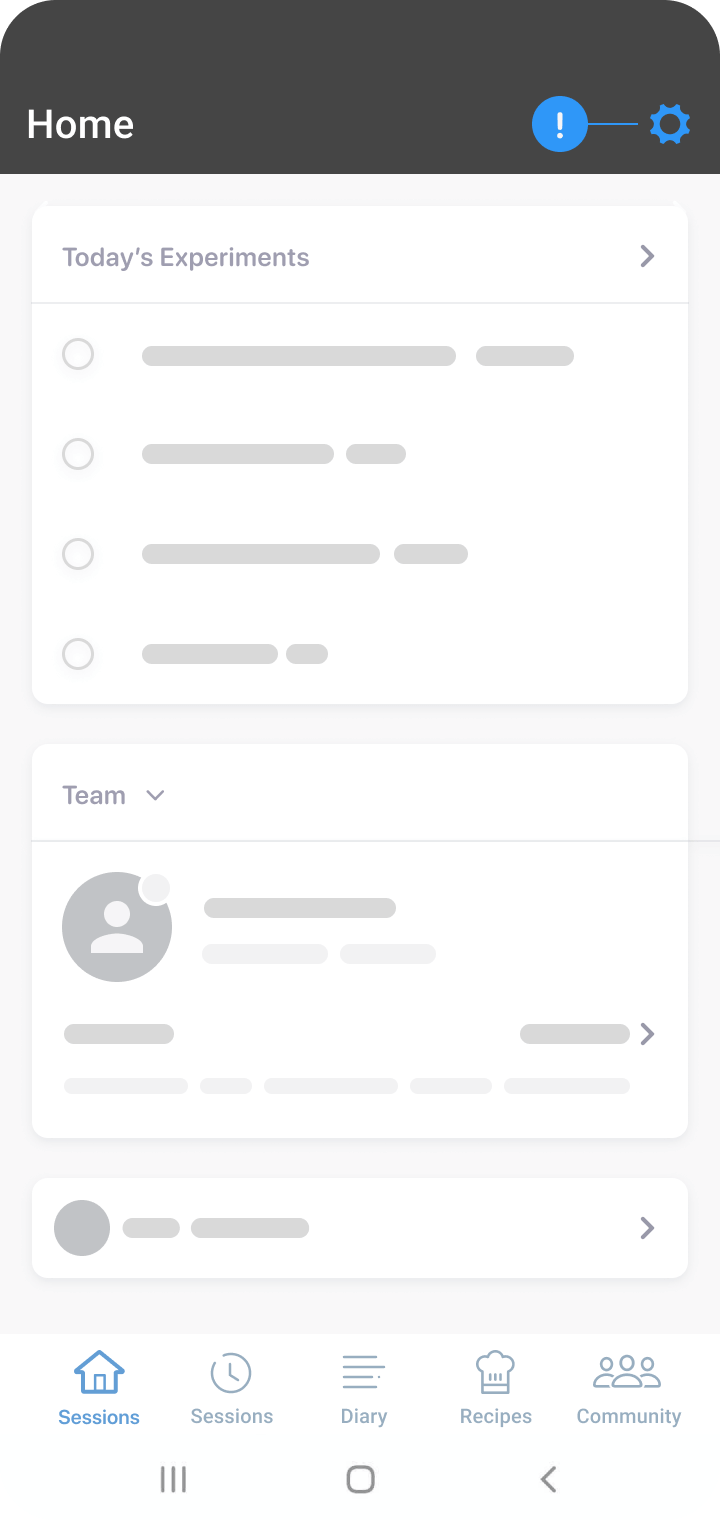
Tap the cogwheel on the top right of the Experiments screen to access settings. Through settings, you can modify some aspects of your profile and app functionality, such as:
- Access your app profile
- Customize your diary
- Turn notifications on or off
- Watch how-to videos
- Send feedback
- Access linked resources
Turn on notifications
- Ensure you are on the ‘Home’ tab.
- Tap the cogwheel icon at the top right-hand side of the screen.
- On the settings page, select ‘Notifications.’
- Tap the slider to turn specific preferences on or off.
- Enabled preferences have sliders set to the right and are coloured blue.
- Disabled preferences have sliders set to the left and are coloured grey.
Note
You will receive frequent messages from your dietitian during the program. We encourage you to keep your notifications turned on.
Was this information helpful?