Appointments
Scheduling an appointment
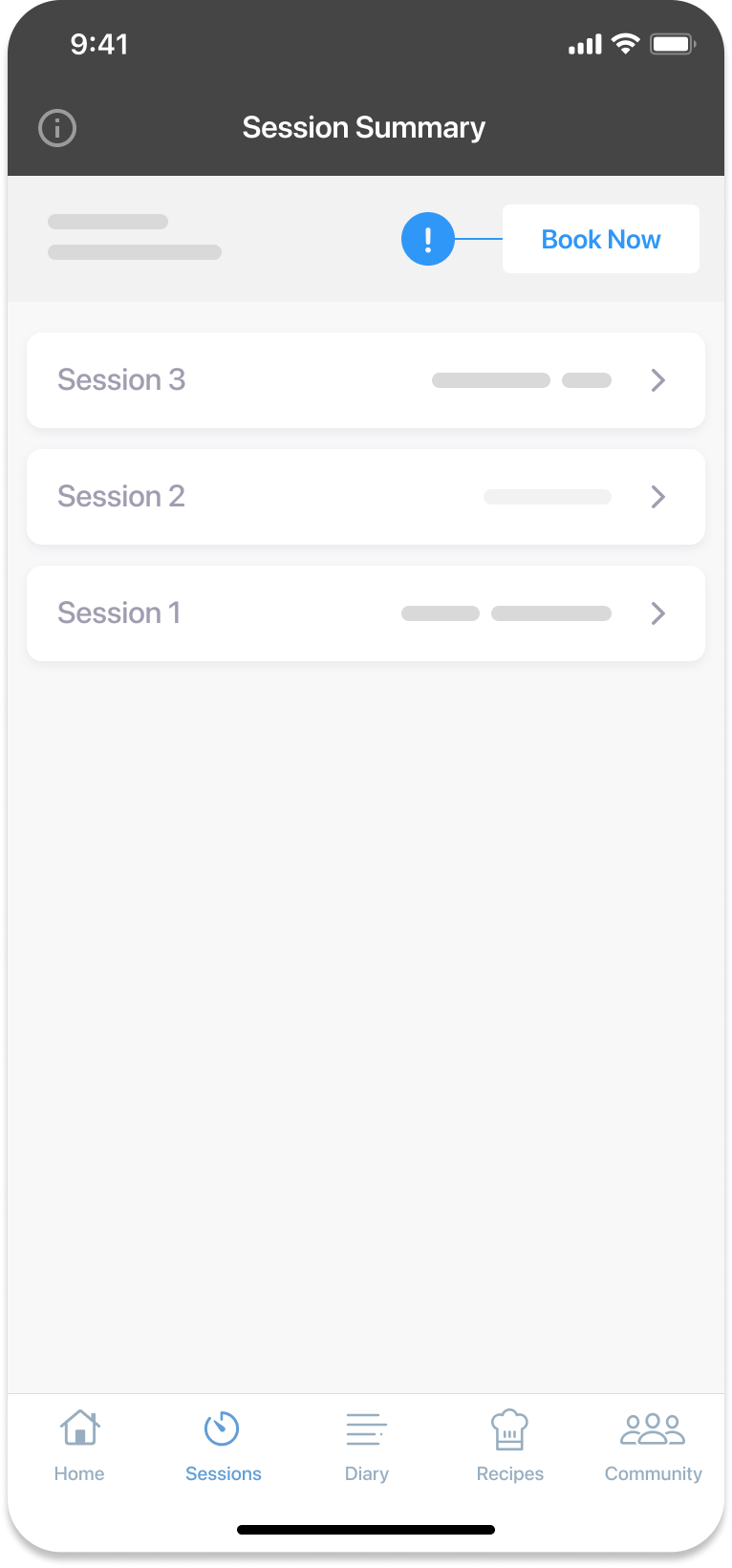
- Select the ‘Sessions’ tab from the bottom navigation bar.
- Tap the ‘Book Now’ button on the screen’s top right-hand side.
- Select the type of appointment you would like to book, then click the pink ‘Continue’ button at the button of the page.
- Choose the date and time you want to schedule the appointment.
- Tap the pink ‘Book Appointment’ button.
- Tap ‘Confirm and Book’ after reviewing that the date, time and appointment are correct.
Note
The date and time will be displayed at the top of the screen if you have already scheduled an appointment.
Rescheduling or cancelling an appointment
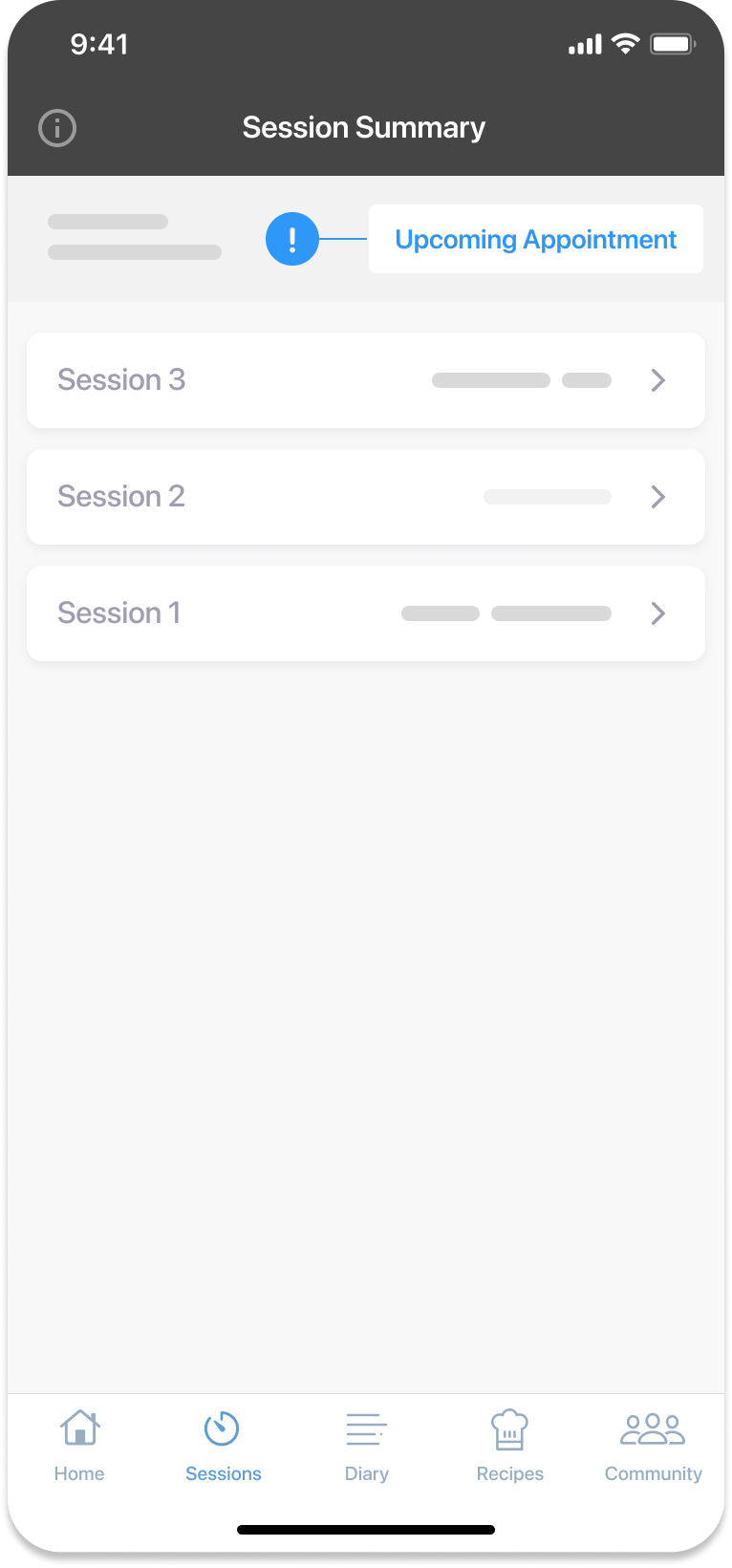
- Navigate to the 'Sessions' tab from the navigation bar.
- Tap the ‘Upcoming Appointment’ button, at the top of the screen.
- Tap the three dots on the right-hand side of the appointment, allowing you to cancel or reschedule.
- If you reschedule, you’ll be returned to the calendar to select a new date and time.
- Click on the ‘Reschedule Appointment’ button, then confirm the rescheduling by clicking the pink ‘Confirm and Reschedule’ button.
Note
Any cancellations or rescheduling must be done 24 hours in advance. Barring extenuating circumstances, you may have to miss the appointment and move on to the next one.
Session summary
This feature contains summaries from your various appointments, providing a single reference point.
Accessing your session summary:
- Navigate to the ‘Sessions’ tab.
- Click on any previous session, for example, ‘Appointment 3 with RD’.
- You will see both ‘Take Home Messages’ and your experiment discussed in that session.
Be aware that your session summaries are:
- Collaborative: Both you and your dietitian can add notes or findings from your appointments.
- Accessible: You can also use a voice recorder to input notes.
- Downloadable: A download button is available at the top right corner.
Note
You’re encouraged to download these notes for future reference.
Was this information helpful?